Digital Paint by Number: A Relaxing Way to Color on Your Tablet
By Shni Luna · · 9 min read · Digital Coloring
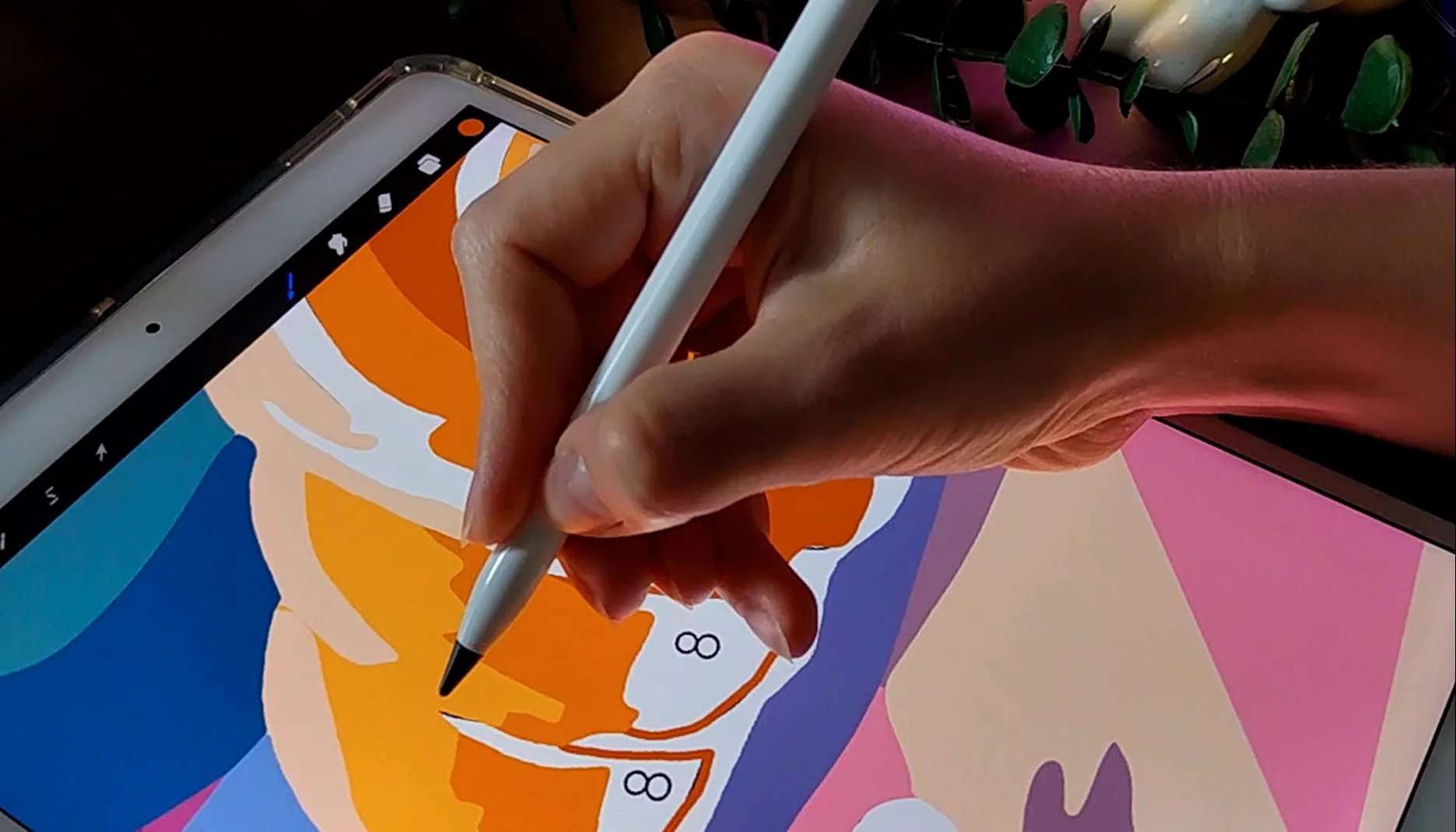
Digital paint by number is a relaxing way to enjoy coloring on your tablet without paints, brushes, paper, or cleanup.
Instead of using a physical paint-by-number kit, you open a digital coloring page on an iPad, Android tablet, or phone. The illustration is divided into small numbered areas, and each number matches a color from the included palette.
It is simple, beginner-friendly, and perfect for anyone who wants a calm creative hobby that is easy to start.
Want to begin with a simple design? Try a free coloring page.
What is digital paint by number?
Digital paint by number is a coloring activity where a digital illustration is divided into numbered shapes.
Each number tells you which color to use. You choose the matching color from the palette and fill the area on your device.
The process is similar to traditional paint by number, but everything happens digitally. You do not need to prepare physical materials, wait for paint to dry, or worry about making a permanent mistake.
You can zoom in, undo, erase, use layers, save your progress, and come back whenever you want.
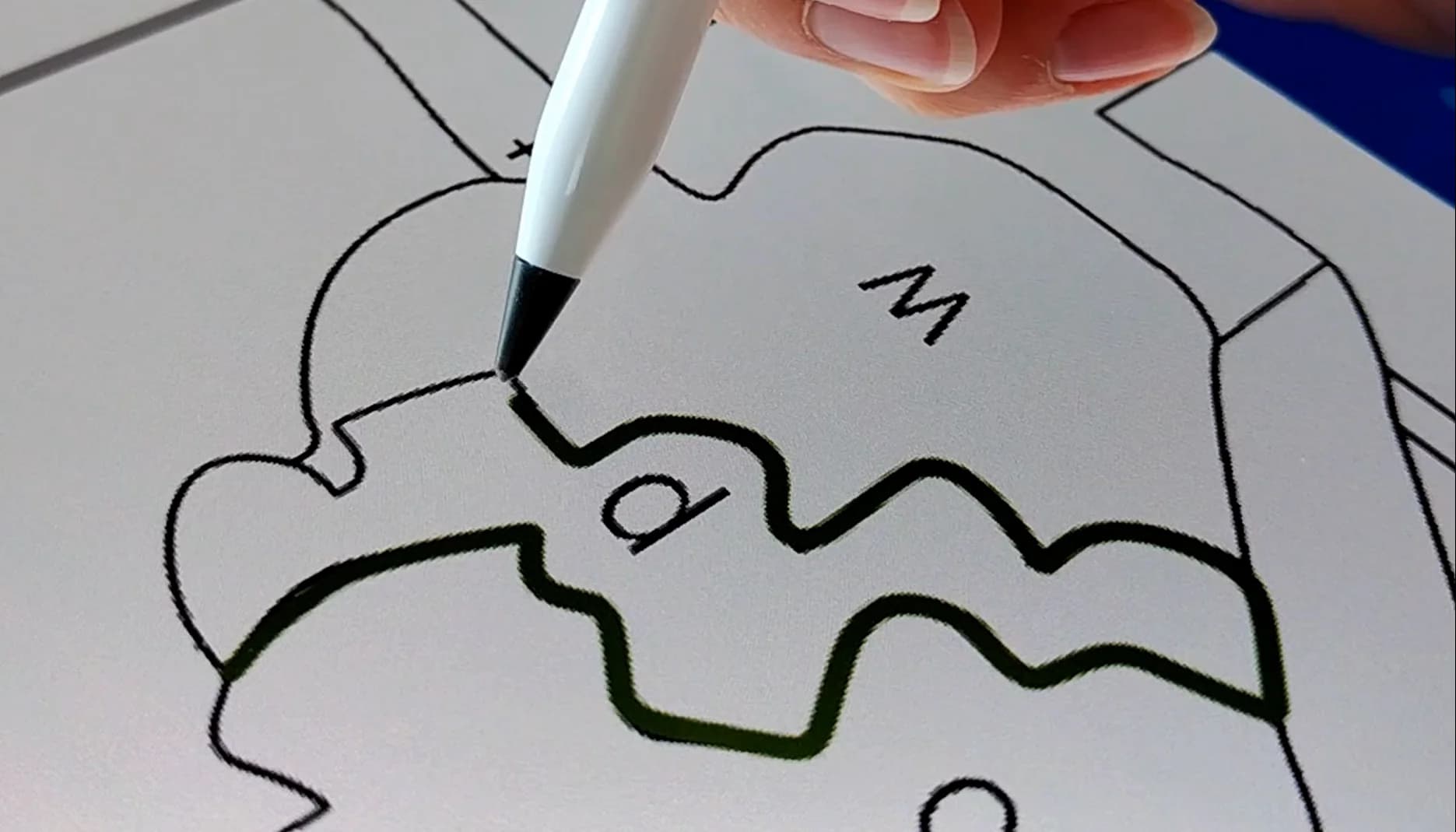
Digital paint by number vs traditional paint by number
Both digital and traditional paint by number follow the same idea: match each number with the correct color and fill the shape.
The difference is in the experience.
Digital paint by number
Digital paint by number is flexible and easy to use on a tablet or phone.
It is a good choice if you want:
- no physical mess
- no paint, water, or brushes
- easy undo and corrections
- the ability to zoom in on small areas
- coloring that you can start and stop anytime
- a creative activity you can do while traveling
- a finished artwork you can save or share digitally
Traditional paint by number
Traditional paint by number gives you a physical painting experience.
It is a good choice if you want:
- real paint and brushes
- a finished physical artwork
- a screen-free activity
- the feeling of working with traditional materials
Shni Luna pages can be used digitally or printed, so you do not have to choose only one format. You can color on your tablet, print the page on paper, or try both.
Want to print your page? Read the Printable Coloring Guide.
Why people like digital paint by number
Digital paint by number is popular because it gives you a clear creative activity without the pressure of starting from a blank canvas.
It is beginner-friendly
You do not need drawing skills or painting experience. The illustration, numbers, and color palette are already prepared for you.
You only need to choose one color and start filling the matching areas.
It feels calm and structured
Sometimes creativity can feel overwhelming because there are too many choices.
Paint by number gives you a simple next step. Find a number, pick the color, fill the shape, repeat. This rhythm can feel calming, especially when your mind is busy.
It is easy to fit into your day
You do not need a full evening or a big workspace.
You can color one small area, save your progress, and return later. It works well for cozy evenings, short breaks, travel, or quiet time before bed.
It makes your tablet feel more creative
If you mostly use your tablet for scrolling, watching videos, or work, digital coloring can make it feel different.
Your device becomes a small creative space where you can slow down and focus on something beautiful.
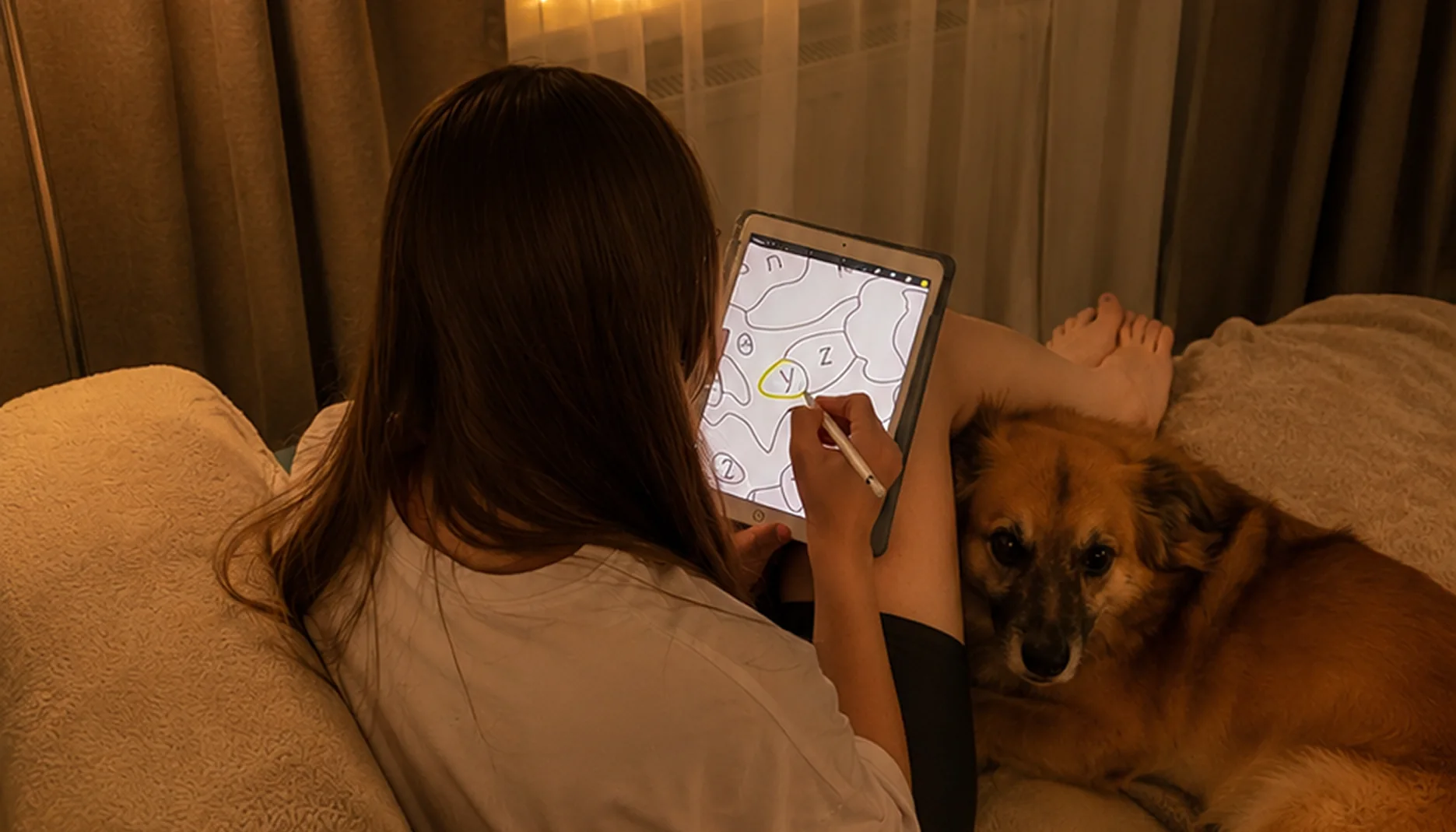
What devices can you use?
You can use digital paint-by-number pages on different devices.
iPad
An iPad is one of the most comfortable options for digital coloring, especially if you use an Apple Pencil.
You can color in apps such as Procreate, Adobe Fresco, ibisPaint X, or Sketchbook.
Learn more about digital coloring setup.
Android tablet
Android tablets also work well for digital coloring if you use an app that allows image import and drawing.
Good app options include ibisPaint X and Sketchbook.
Phone
You can also color on a phone, especially if the design is not too detailed.
A phone screen is smaller, so it may take more zooming and patience, but it can still be a fun way to try digital coloring without buying anything extra.
What apps work for digital paint by number?
You need a drawing app that lets you import a PNG image and color over it.
Popular options include:
- Procreate for iPad
- Adobe Fresco for iPad
- ibisPaint X for iPad, Android tablets, and phones
- Sketchbook for iPad and Android
You do not need to choose the “perfect” app right away. If you are just starting, try a free option first and see if you enjoy the process.
Watch a short tutorial for Procreate, ibisPaint X, or Sketchbook.
For full app setup and step-by-step instructions, read the Digital Coloring Guide.
What makes a good digital paint-by-number page?
Not every coloring page is equally comfortable for digital paint by number. A good page should be clear, readable, and easy to use on a screen.
Clean lines
Clear outlines make it easier to see the shapes and color neatly.
Readable numbers
Numbers should stay visible when you zoom in. This is especially important for detailed pages with many small areas.
Balanced color palette
A good palette should feel beautiful and enjoyable to follow. Colors should work together so the final artwork looks harmonious.
High-resolution file
High-resolution PNG files help the lines and numbers stay crisp while zooming.
Helpful file versions
It is useful to have more than one version of the artwork, so you can choose the format that works best for you.
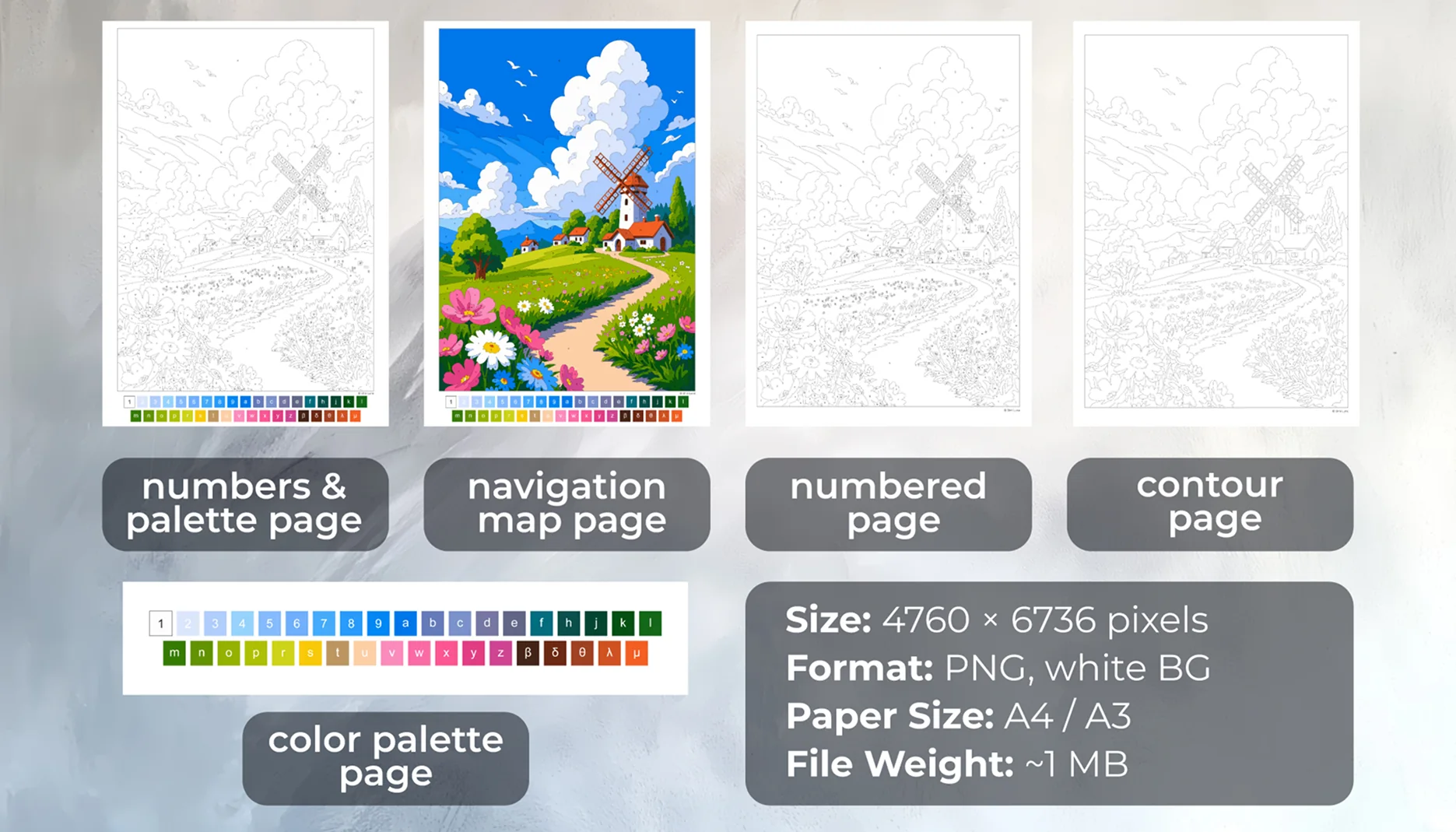
Shni Luna coloring pages include files for both digital and printable coloring, such as a numbered page, a version with the palette, a color reference map, a contour page, and a separate palette.
Is digital paint by number good for adults?
Yes. Digital paint by number can be a relaxing creative hobby for adults, especially if you want something simple, cozy, and low-pressure.
Many adult coloring activities are popular because they offer a gentle way to slow down. Digital paint by number has the same calming feeling, but with the convenience of a tablet.
You do not need to make big creative decisions. You can simply follow the numbers, enjoy the colors, and watch the artwork slowly come together.
It can be a nice alternative to scrolling when you want screen time that feels more peaceful and intentional.
How to choose your first digital paint-by-number page
If this is your first time, choose a page that looks beautiful but not too complicated. A simpler page will help you understand the process without feeling overwhelmed.
Look for:
- fewer small details
- a clear composition
- a palette you like
- around 200–300 objects if you are a beginner
- a theme that feels cozy or inspiring to you
Once you feel comfortable, you can try more detailed designs with more colors and smaller shapes.
Beginner-friendly digital paint-by-number pages
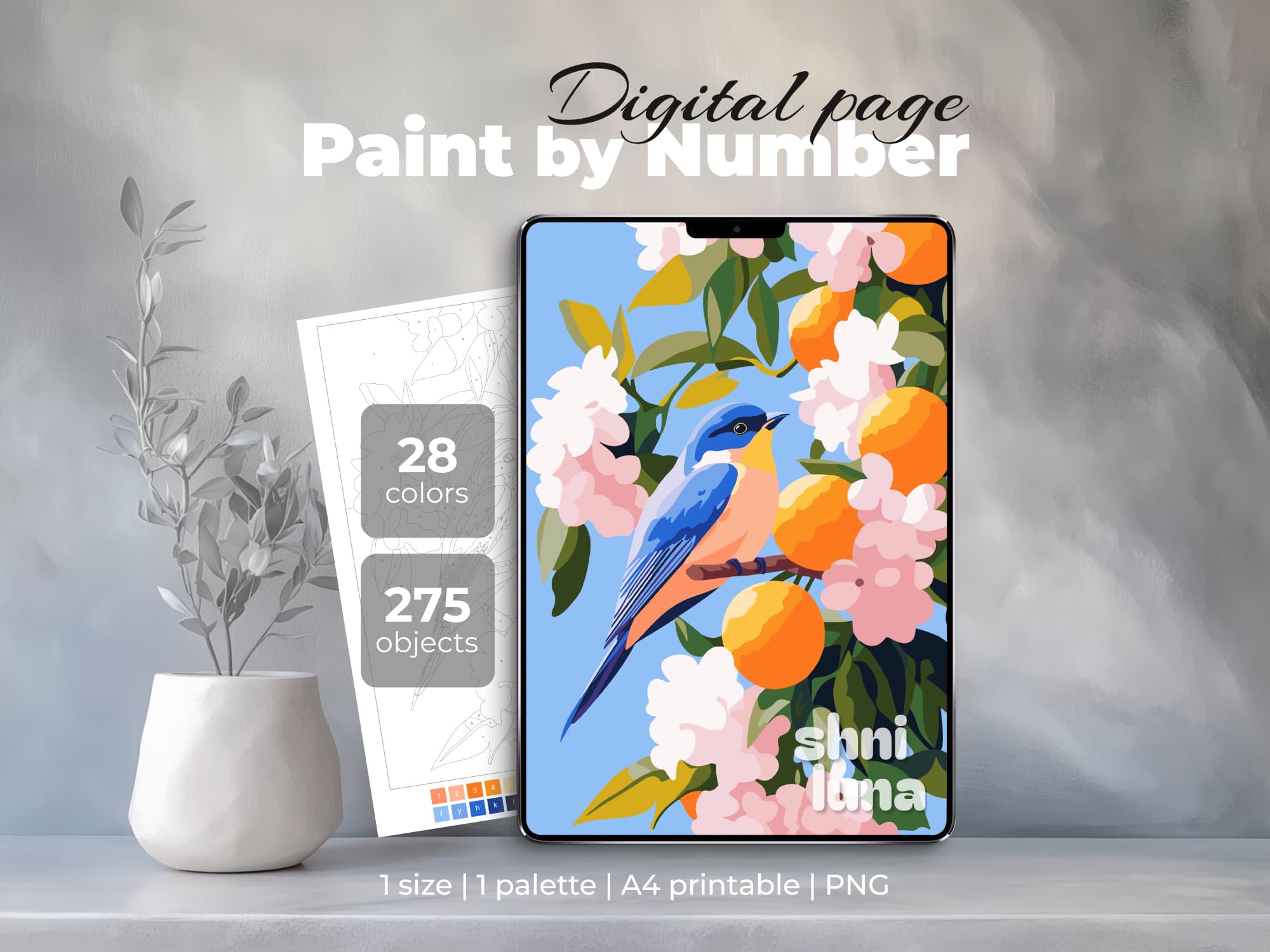
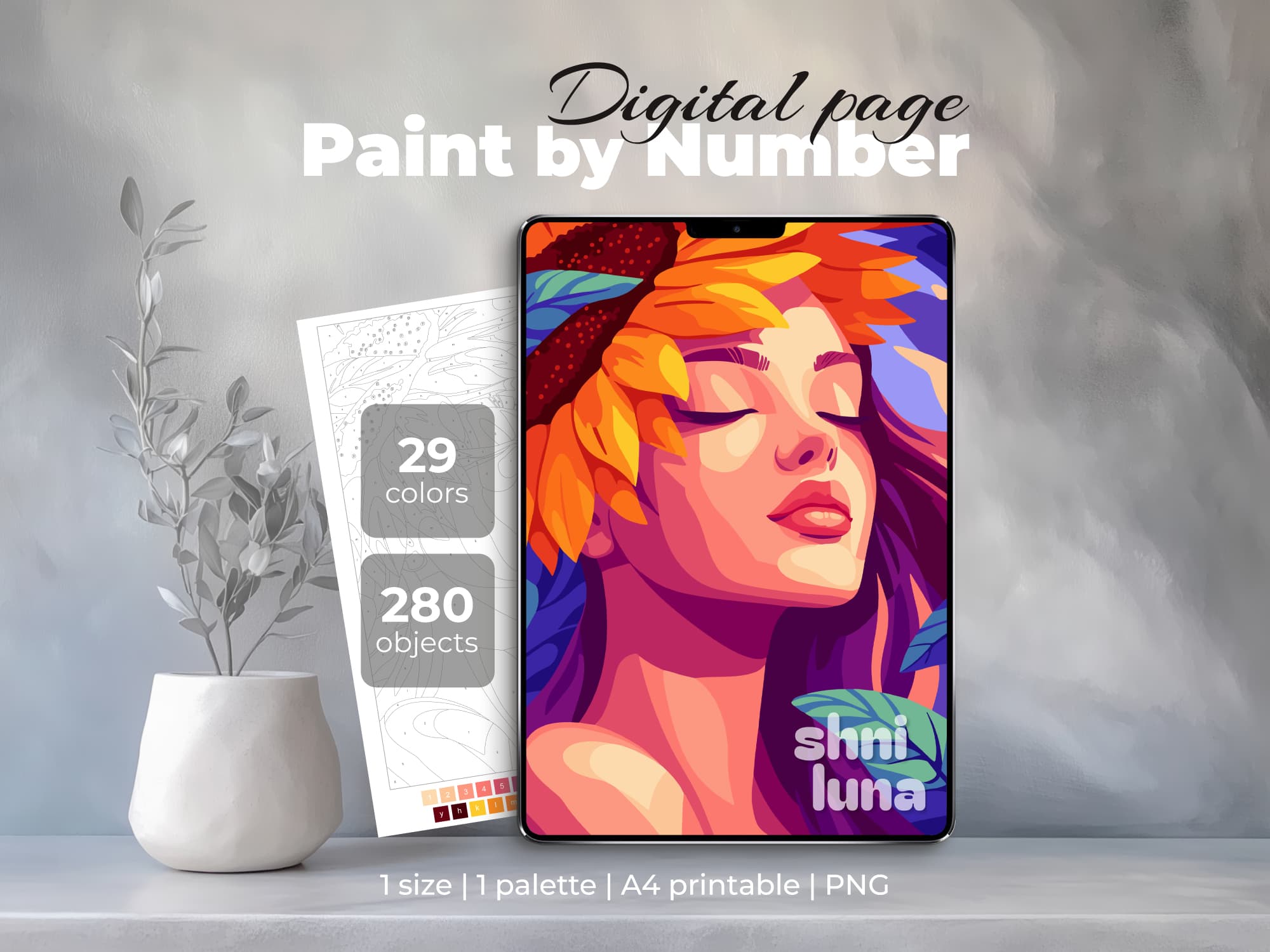
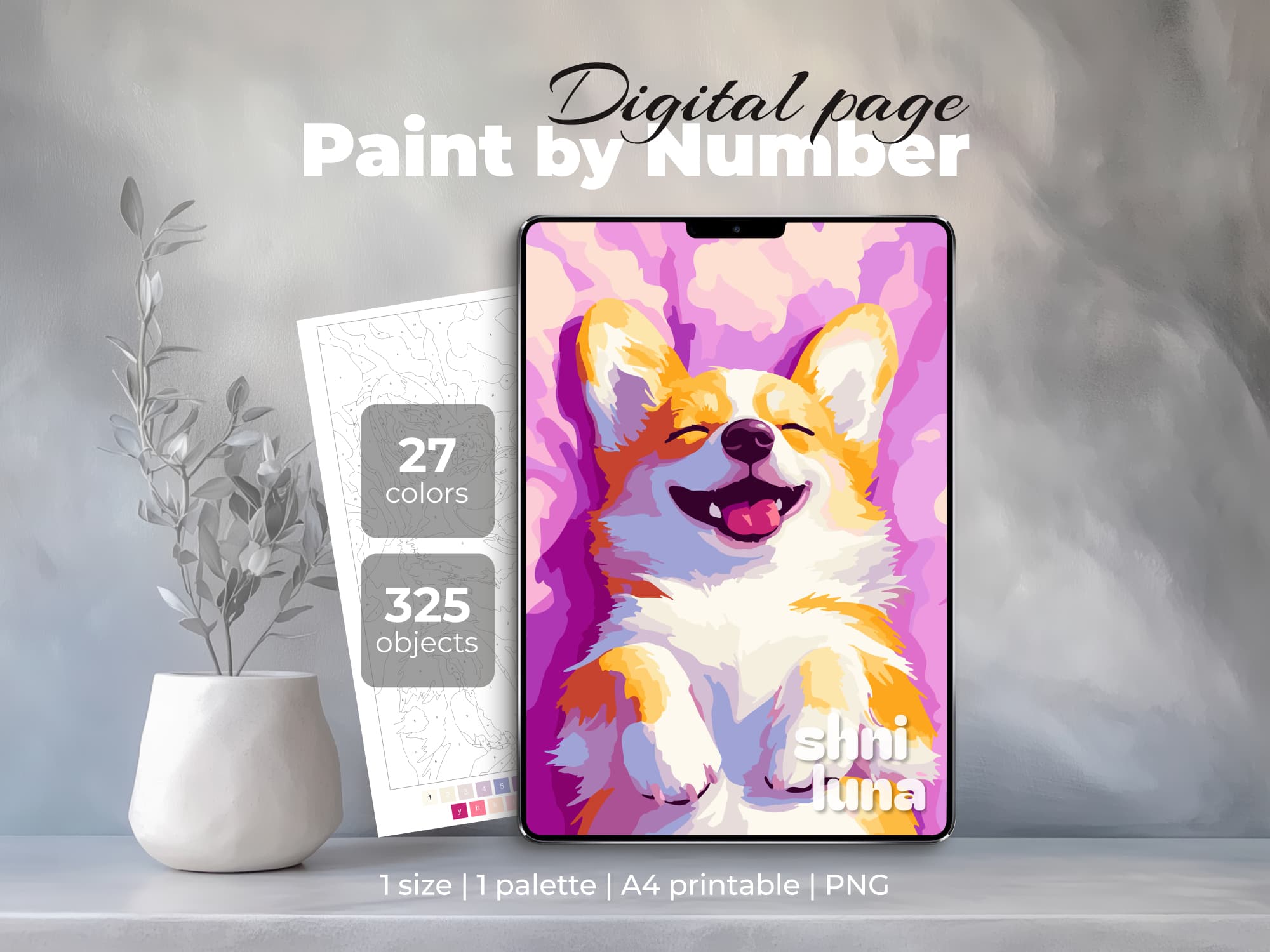
New to coloring? Read How to Start Coloring.
Can digital paint-by-number pages be printed?
Yes. Digital paint-by-number pages can also be printed and colored on paper.
This is helpful if you like the idea of having one design that works both ways.
For paint by number on paper, you can print the Numbered Page and use the Color Palette as your guide.
For a cleaner result, you can print the Contour Page and use the Navigation Map as a color reference.
A4 works well for many pages. A3 can be more comfortable for detailed designs with small areas.
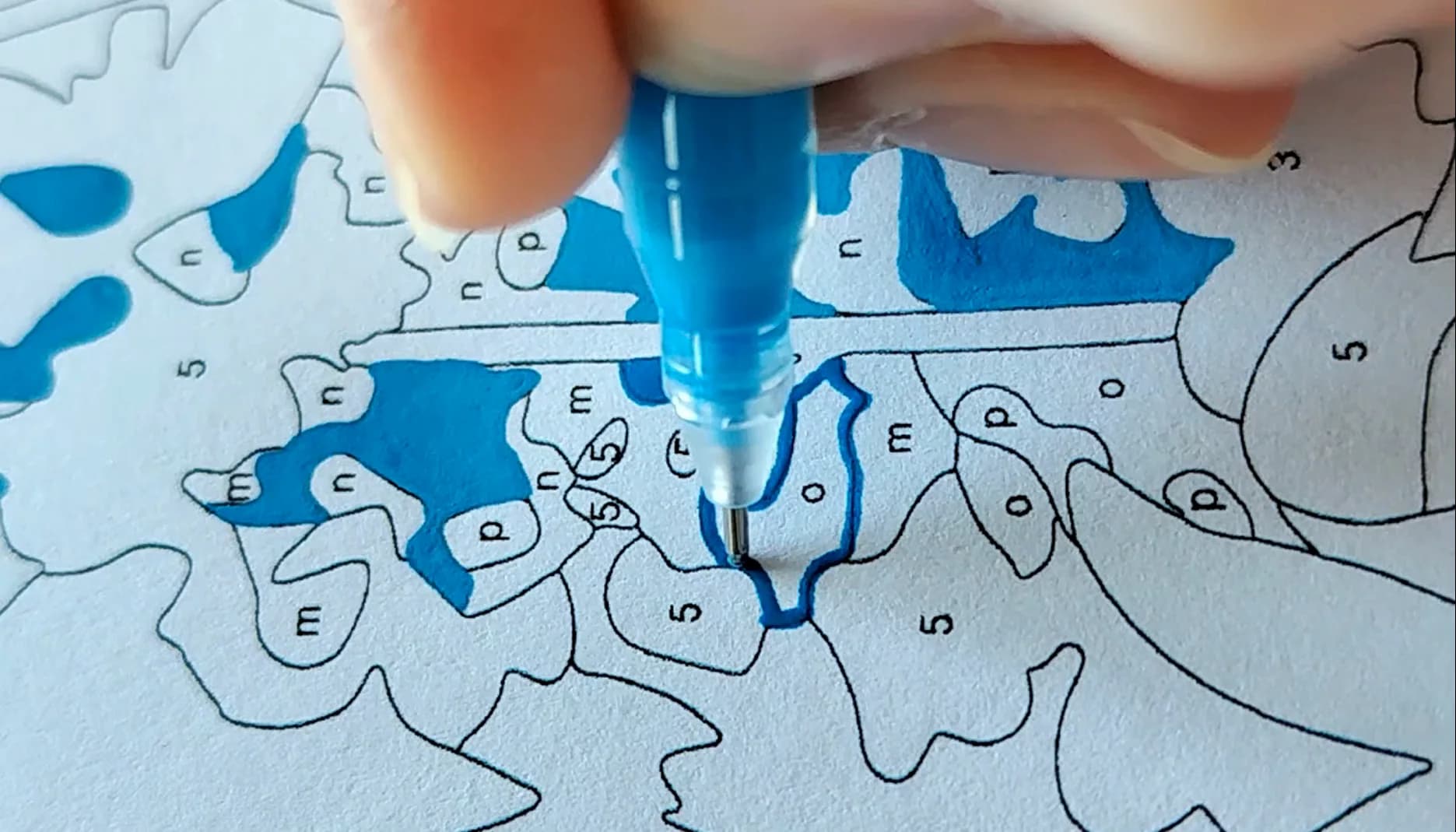
Read the full Printable Coloring Guide.
Try a free digital paint-by-number page
The easiest way to see if you like digital paint by number is to try a free page first.
Download a simple design, open it in your drawing app, choose one color, and fill a few areas. You do not need to finish the whole page at once.
Start small and see how the process feels.
Frequently asked questions
Is digital paint by number the same as digital coloring?
Digital paint by number is one type of digital coloring. The difference is that paint-by-number pages include numbers and a matching color palette, so you have clear guidance while coloring.
Do I need an iPad?
No. You can use an iPad, Android tablet, or even a phone if your device supports a drawing app that can import images.
What app should I use?
You can use apps such as Procreate, Adobe Fresco, ibisPaint X, or Sketchbook. If you are just starting, try a free app first.
Do I need a stylus?
A stylus is helpful for small details, but you can start with your finger, especially on a phone or if you are just testing the process.
Can beginners use digital paint-by-number pages?
Yes. Digital paint by number is beginner-friendly because the artwork and palette are already prepared.
Can I choose my own colors?
Yes. You can follow the included palette or use the contour version if you want to color freely with your own colors.
Can I print a digital paint-by-number page?
Yes. Shni Luna pages can be colored digitally or printed on paper.
Will the page become blurry when I zoom in?
A high-resolution PNG file should stay clear when you zoom in. This is why Shni Luna pages are prepared in high resolution for detailed coloring.
Start digital paint by number
Digital paint by number is a simple way to enjoy coloring on your tablet or phone.
You can start with one page, one color, and one small shape. There is no need to rush and no need to make everything perfect.
Choose a design you love, open it in your favorite app, and let yourself enjoy a quiet creative moment.