How to Start Coloring for Beginners
By Shni Luna · · 6 min read · How to Color
To start coloring, choose a simple page, decide whether to color digitally or on paper, prepare an app or basic supplies, and begin with one small area. You don’t need drawing skills to get started.
This beginner guide walks you through each choice so you can start at your own pace and enjoy the process without worrying about doing it perfectly.
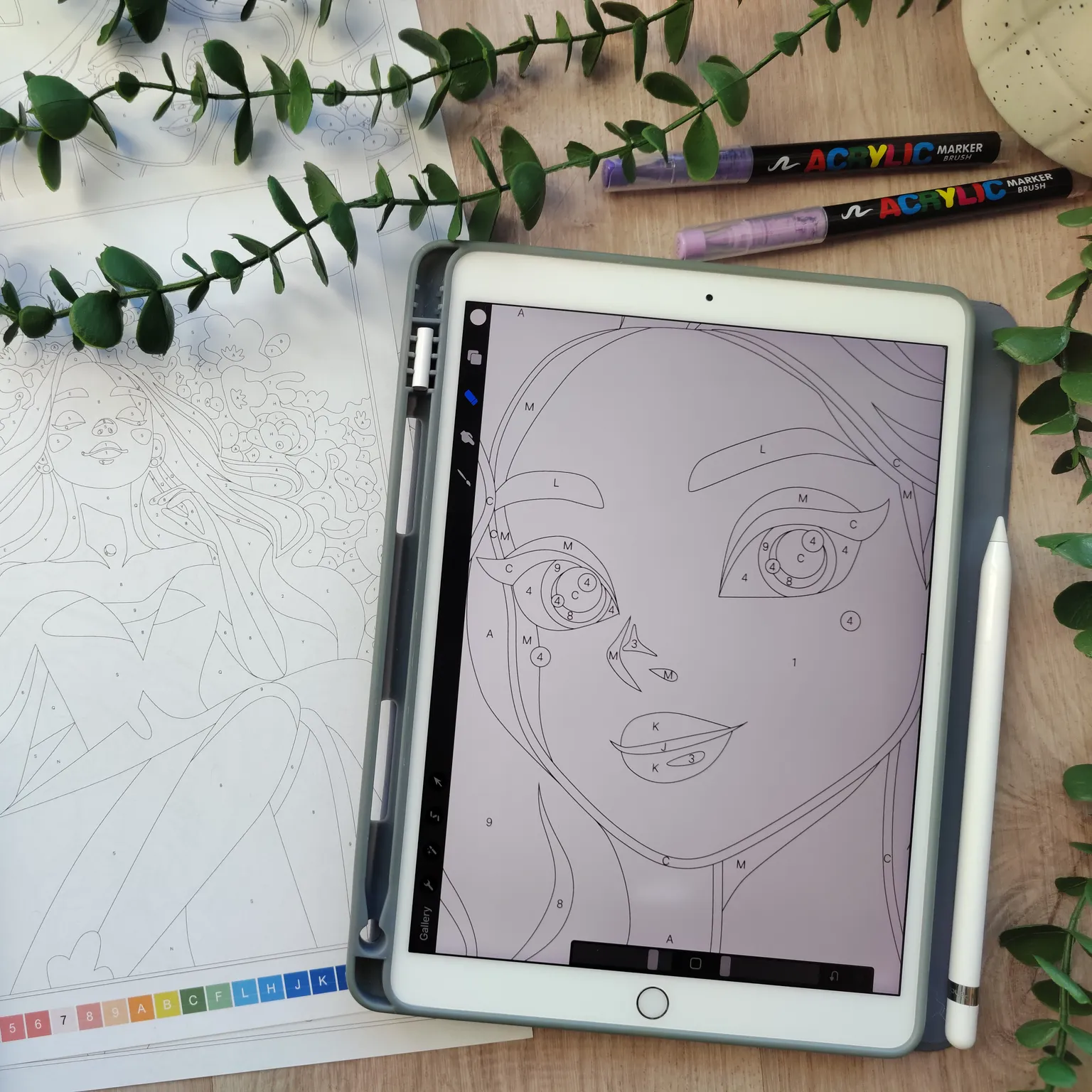
1. Choose a coloring page
To start, you can choose:
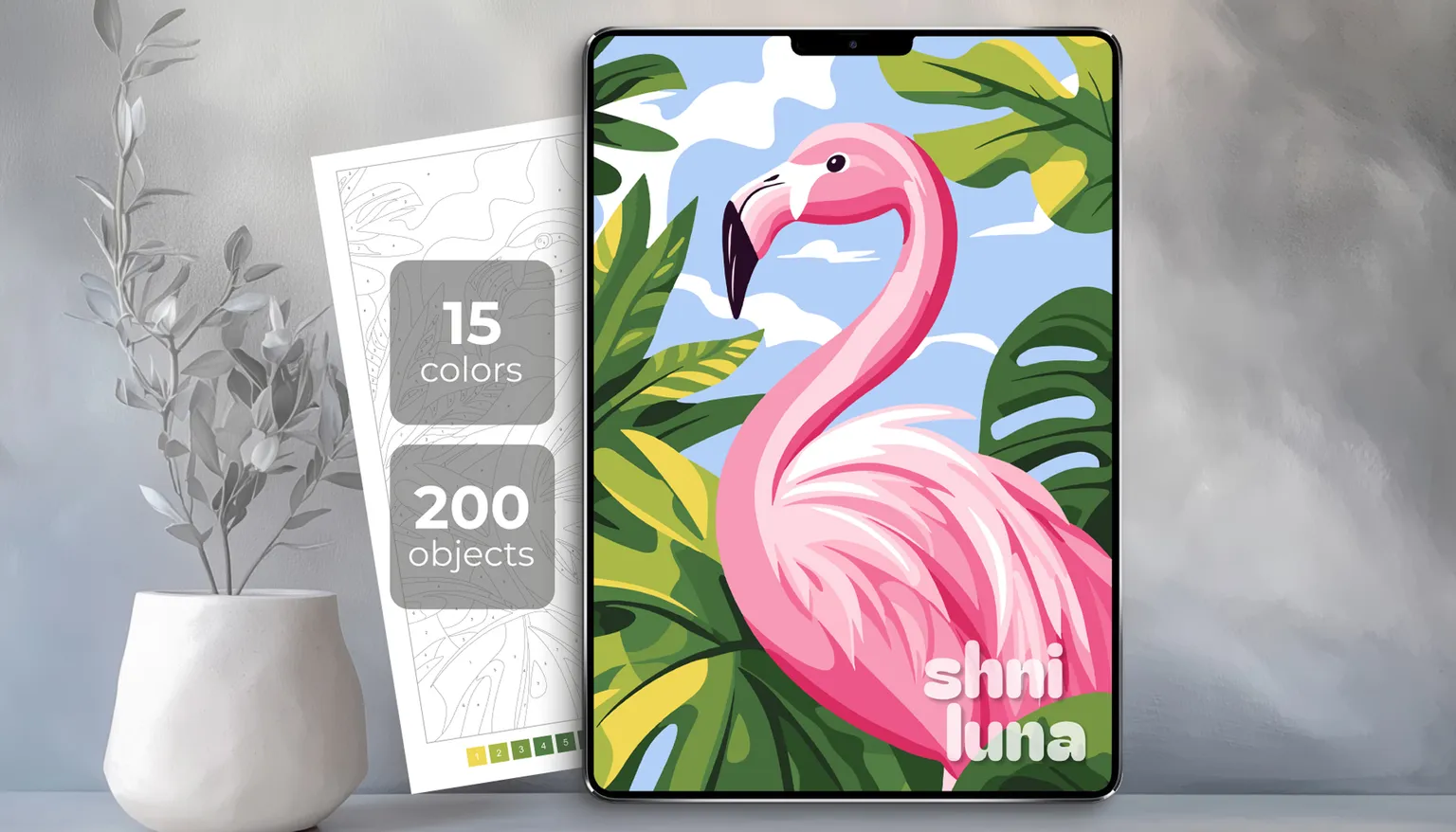
If you’re just starting out, I recommend choosing a simpler design with fewer details. On the cover of each coloring page, you can see the number of colors and objects. For your first page, try choosing something with around 200–300 objects.
You can also download this easiest free coloring page.
2. Choose how you want to color
There are two main ways to use my coloring pages: digital coloring and printable coloring.
Digital coloring
Digital coloring means coloring on an iPad, Android tablet, or even a phone using a drawing app.
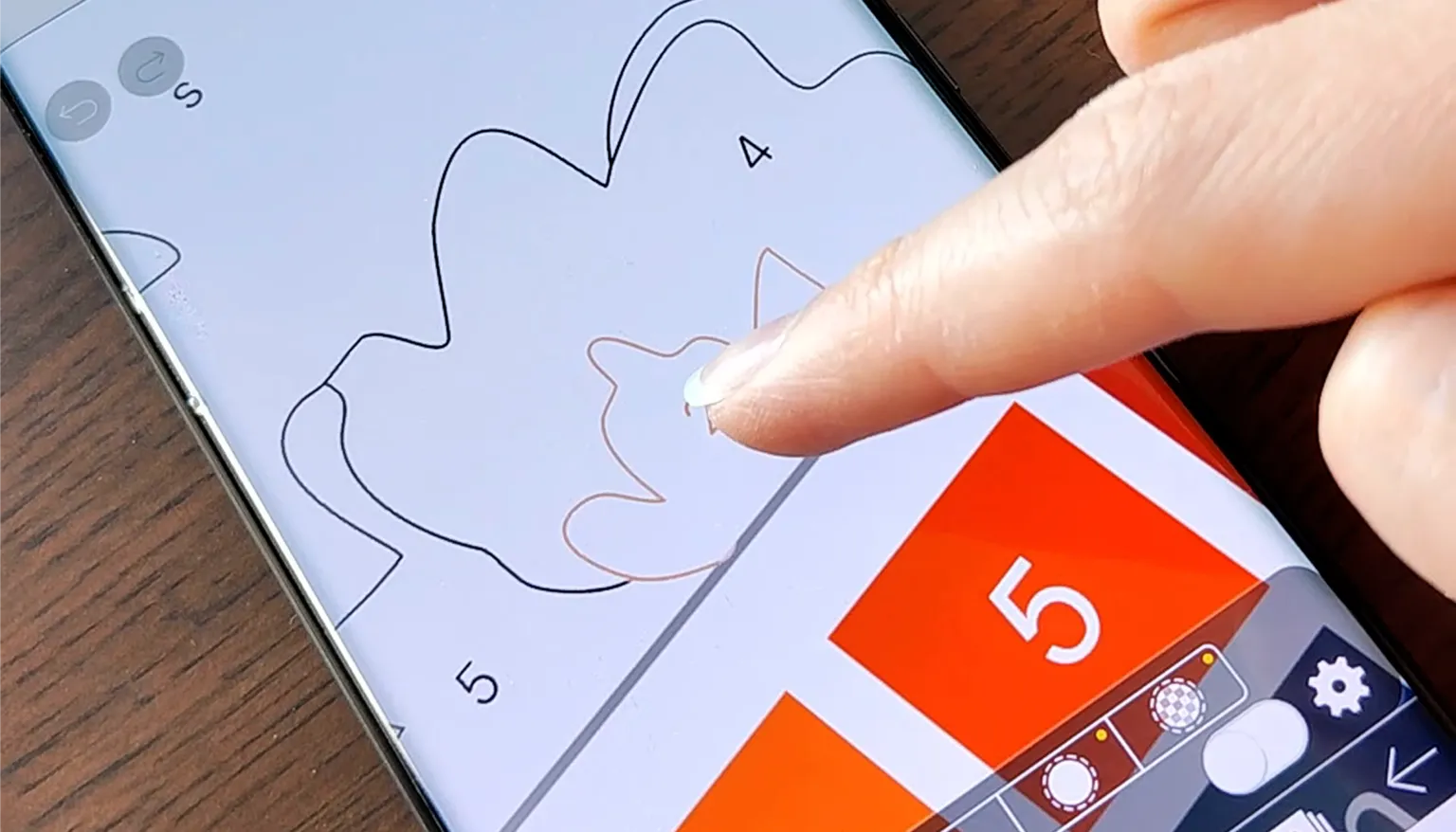
This option is great if you want to:
- start coloring right away
- avoid buying lots of art supplies
- easily fix mistakes
- color anywhere
- zoom in on small details
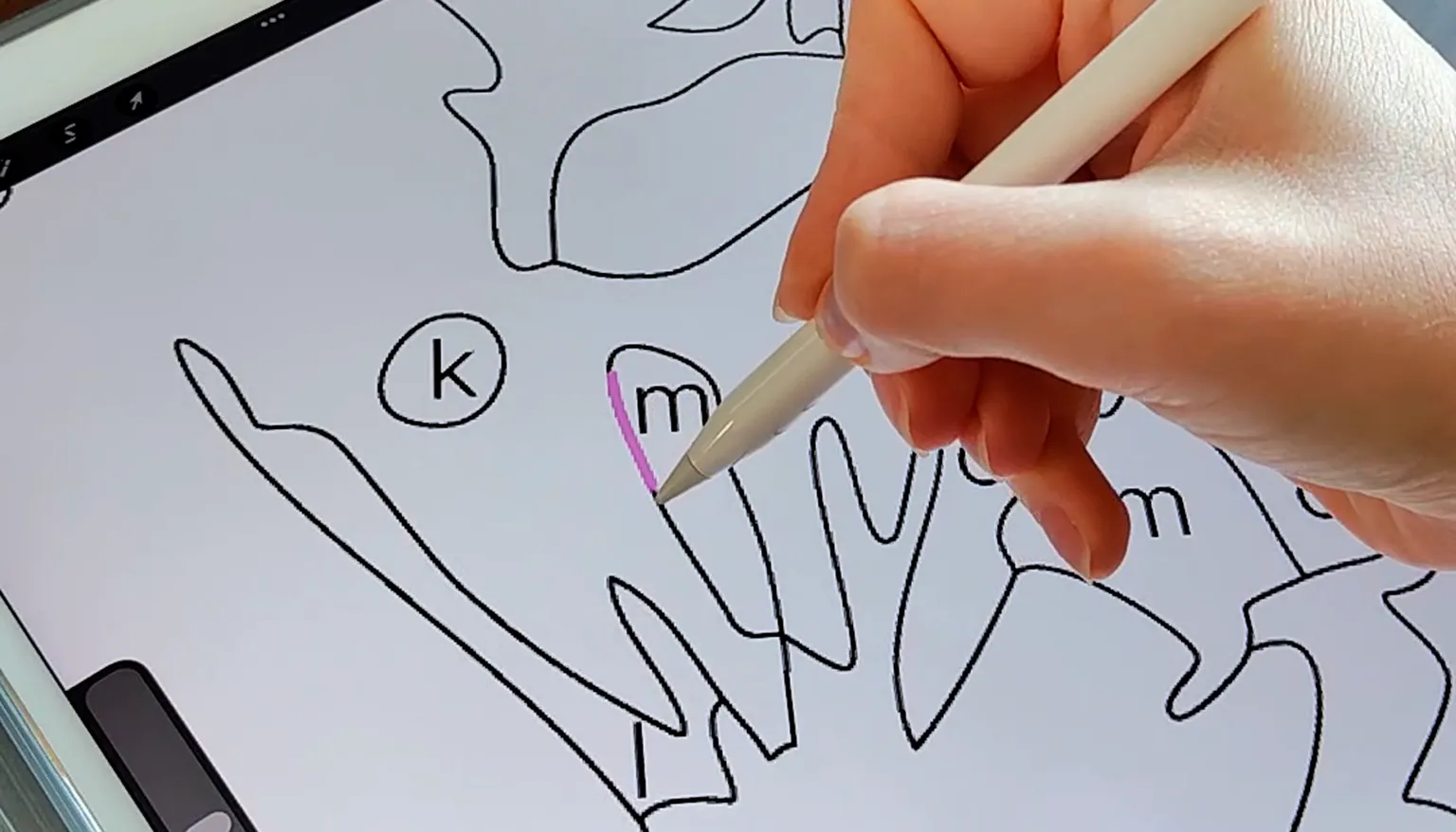
Learn more: Digital Coloring Guide
Printable coloring
Printable coloring means coloring on paper. You print the page at home or in a local print shop, then color it with pencils, markers, gel pens, or any other materials you like.
This option is great if you want to:
- take a break from screens
- color on paper
- use your favorite pencils or markers
- create a calm, cozy creative evening
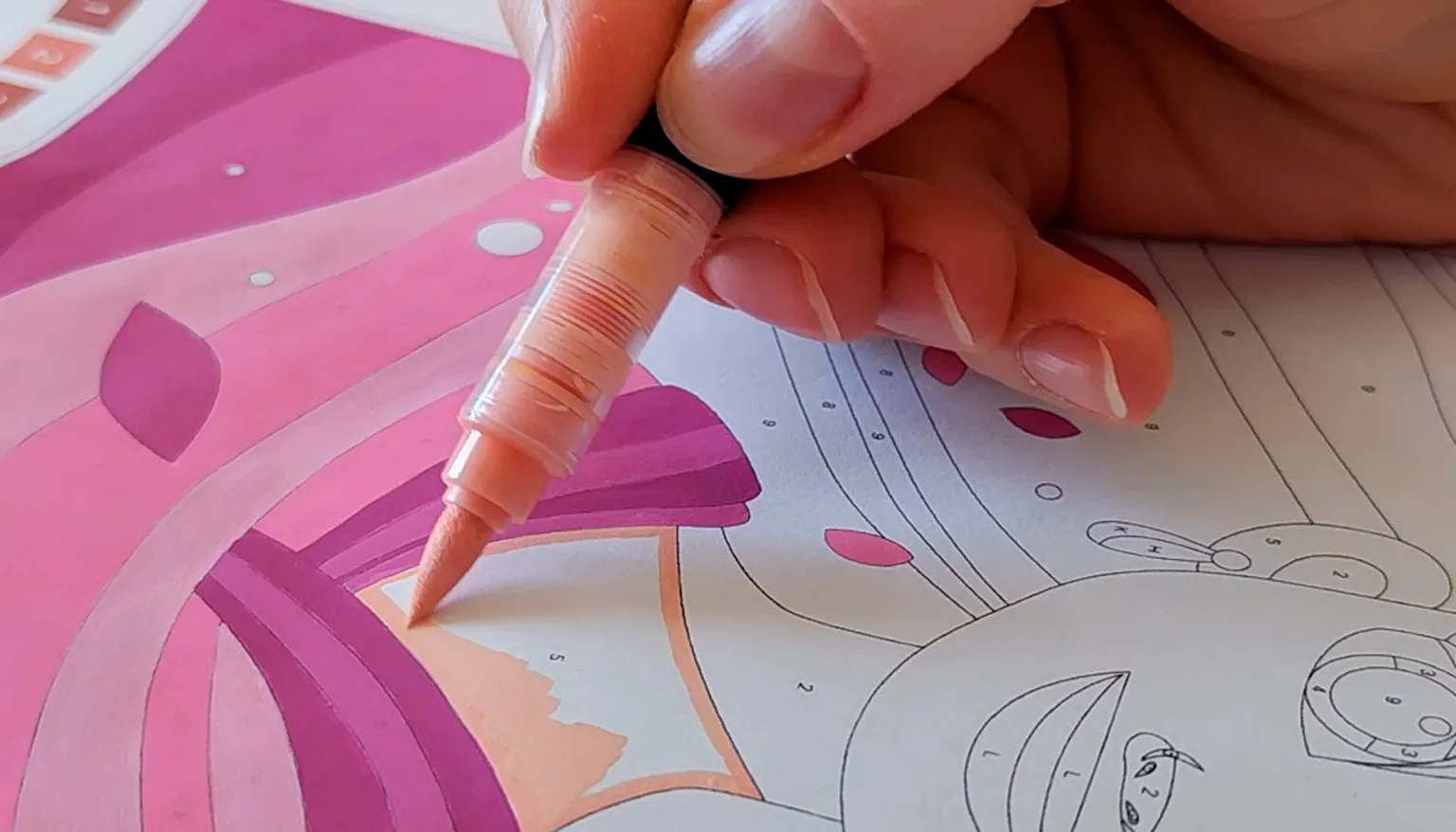
Learn more: Printable Coloring Guide
3. If you color digitally, choose an app
For digital coloring, you need an app that allows you to import an image and draw over it.
Popular options:
| App | iPad | Android | Notes |
|---|---|---|---|
| Procreate | Yes | No | My favorite option for iPad |
| ibisPaint X | Yes | Yes | A good option for Android and phones |
| Sketchbook | Yes | Yes | A simple free option |
| Adobe Fresco | Yes | No | A free option for iPad |
Prices and availability may vary depending on your country and the App Store or Google Play.
My quick recommendation:
- if you have an iPad, start with Adobe Fresco. It’s free, and if you enjoy digital coloring, you can later move to Procreate
- if you have an Android device, try ibisPaint X or Sketchbook. Both apps have free options
- if you want to color on your phone with your finger, I recommend trying ibisPaint X
4. Choose the right file
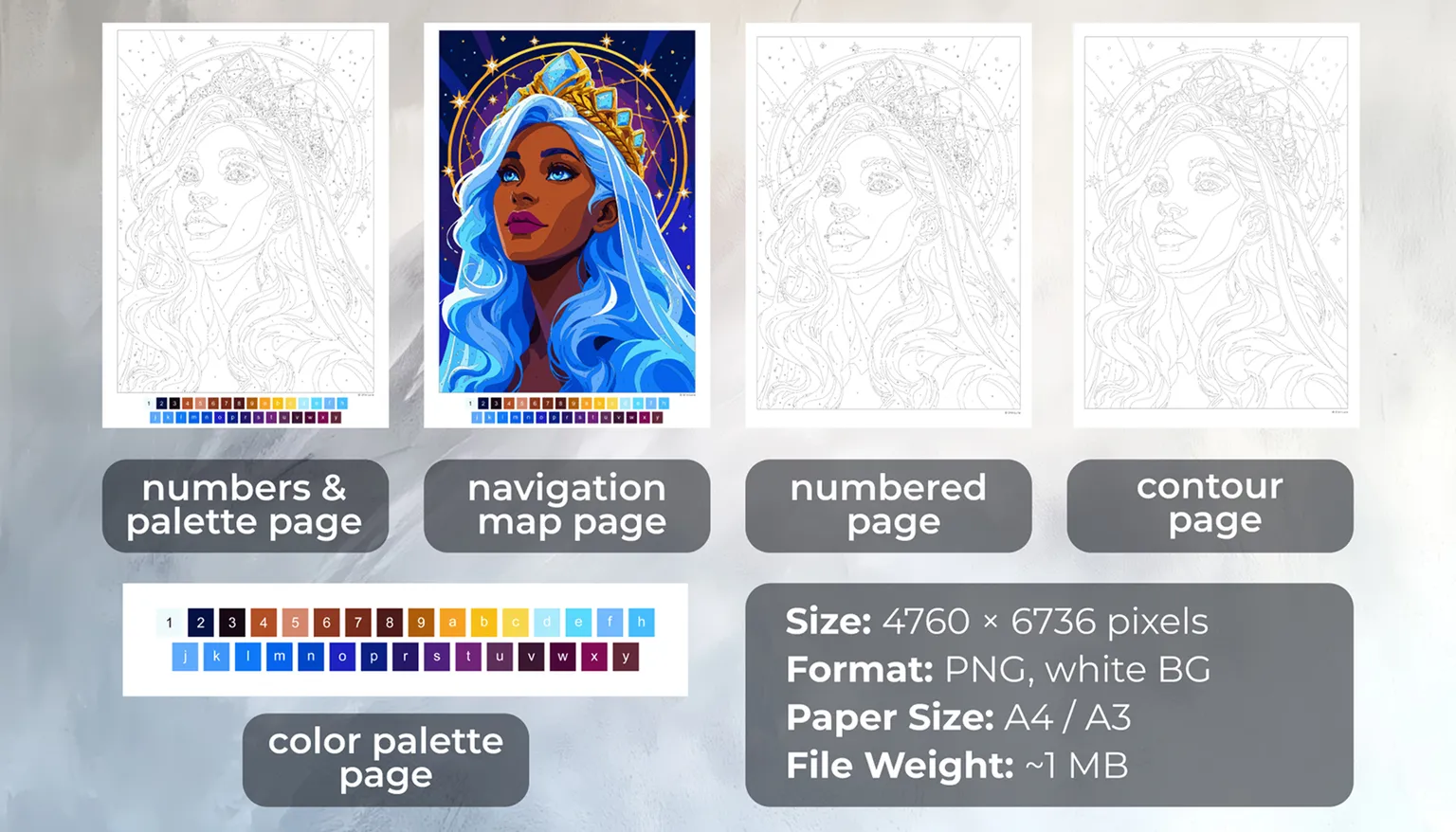
Each Shni Luna coloring page includes several files, so you can choose the most comfortable way to color.
Numbers + Color Palette Page
A page with numbers and the color palette together. This is my favorite option for digital coloring because everything is visible in one file: the artwork and the colors.
Numbered Page
A paint-by-number page with numbers. This is a good option if you want to follow the numbers clearly, but don’t want the color palette on the same page.
Contour Page
A clean outline page without numbers. This is perfect if you want to color freely or use your own colors. It’s also a great option for printing because there are no numbers showing through your coloring materials, so the final result looks cleaner.
Navigation Map
A colored reference image. It helps you see what the finished artwork should look like. It’s useful when coloring on paper and when choosing matching colors.
Color Palette
A separate color palette. You can use it together with the Numbered Page if you prefer to keep the artwork and the palette separate.
5. Watch a short tutorial
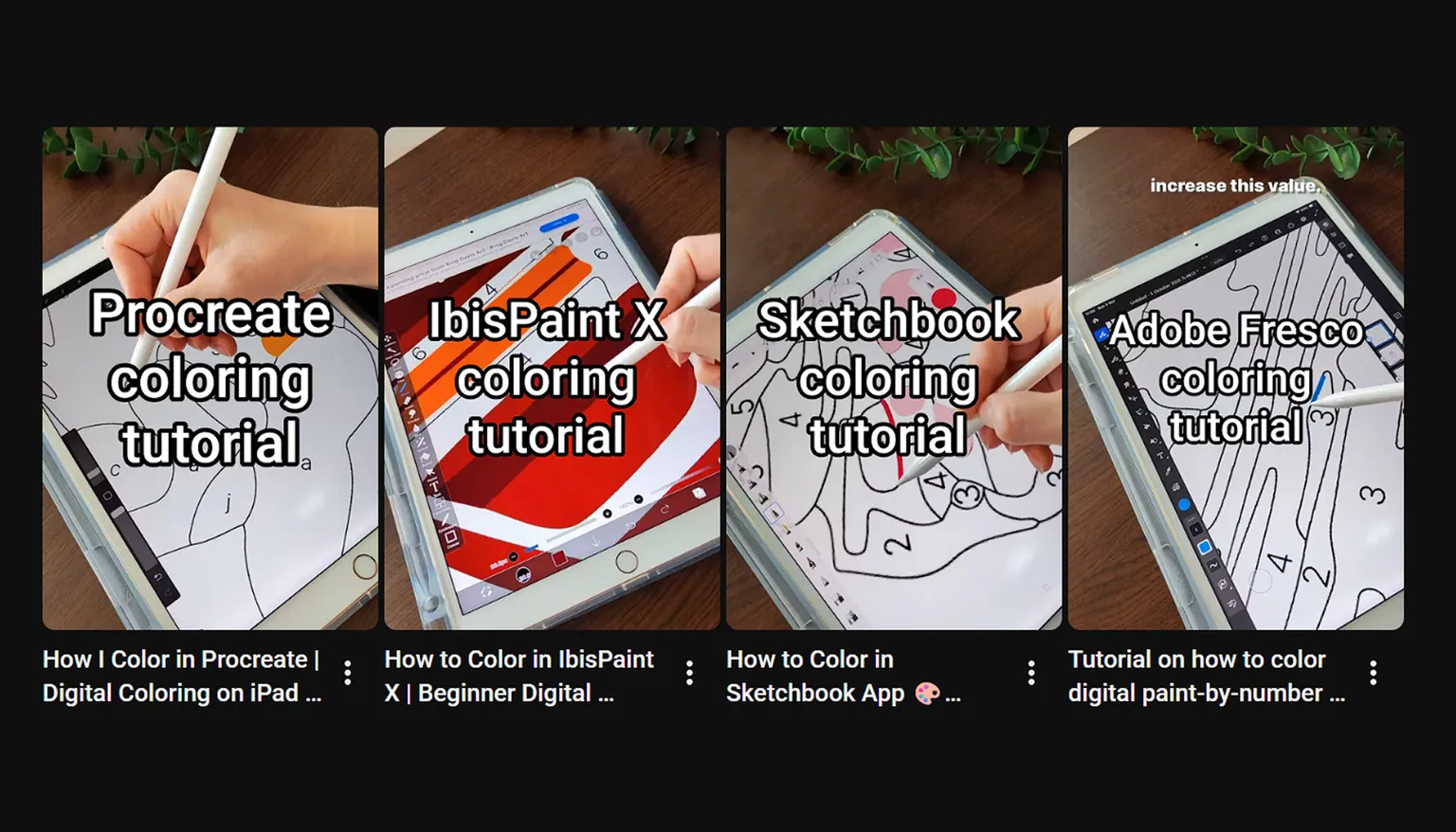
If you’re opening a digital coloring page for the first time, the easiest way to start is by watching a video. I created step-by-step tutorials for different apps:
- How to Color in Procreate
- How to Color in ibisPaint X
- How to Color in Sketchbook
- How to Color in Adobe Fresco
6. Color at your own pace
There is no right or wrong way to color.
You can finish a page in one evening or come back to it over several days. You can color on a tablet, phone, or paper, with coffee, tea, music, or in silence.
The most important thing is not to rush. Coloring is not about perfection. It’s about slowing down and enjoying one small creative moment at a time.
Ready to start?
Choose a page, open it in your favorite app or print it on paper, and start coloring at your own pace.